
F.A.Q.
Useful Information
Frequently Asked Questions & How-To Guides
Welcome to the Rent-Flexy Athens Guest Help Center — your quick guide to making the most of your stay.
Here you’ll find short videos and step-by-step photo instructions on how to use all in-apartment features: from connecting to the Wi-Fi and activating hot water, to operating the air conditioning and smart TV.
Our goal is to make your experience effortless, so you can focus on enjoying your time in Athens.
Each section below provides a simple walkthrough with visuals that show you exactly what to do.
1. How to Access the Apartment
This video shows exactly how to enter the building and the apartment.
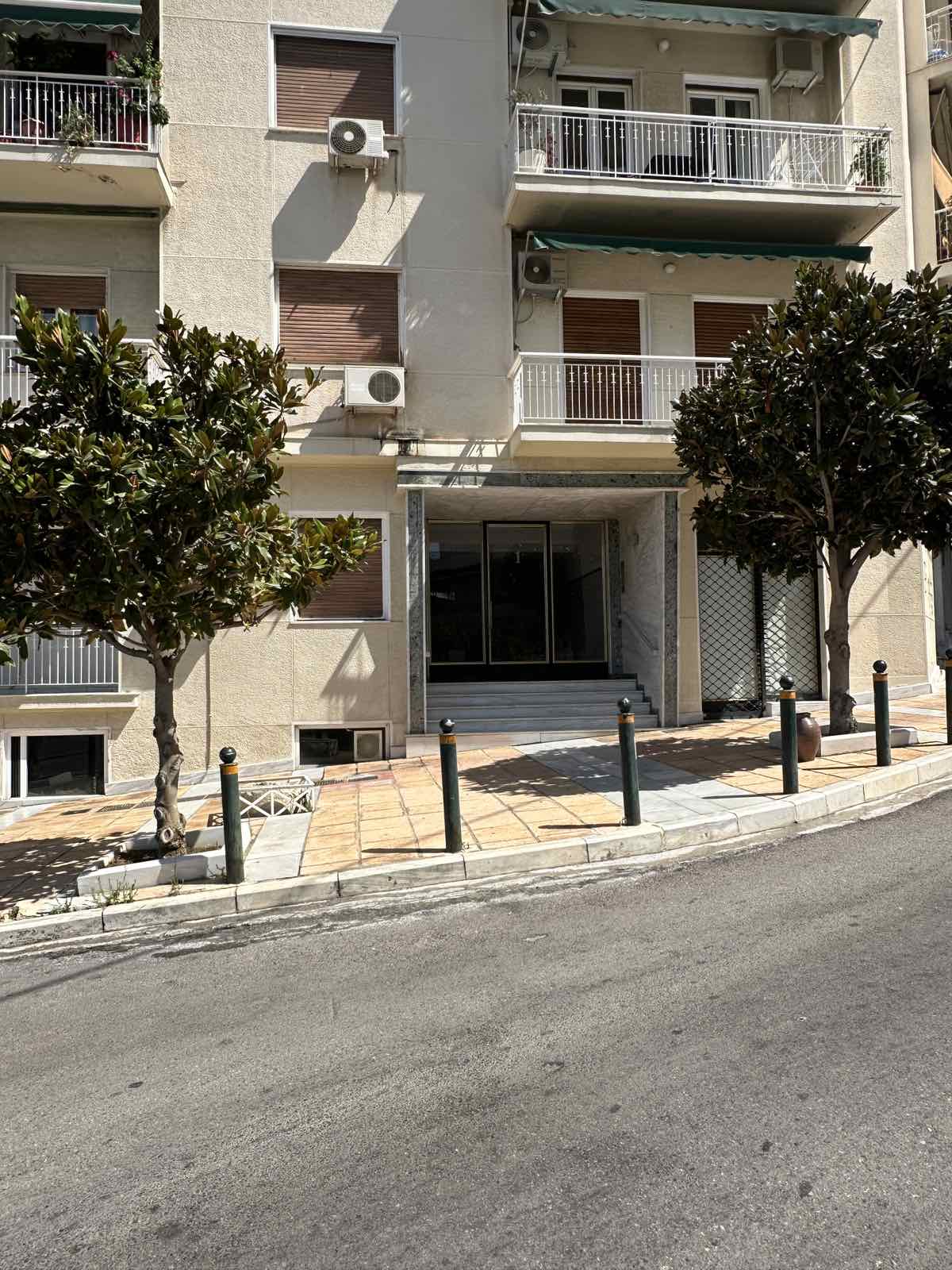
You’ll see the main entrance door, how it opens, and where to use the keys provided in the key holder. Follow the steps shown to easily unlock the exterior door and access the apartment without confusion.
2. Where to Find the Main Power Panel
This video walks you through the living room area and shows the exact location of the main electrical switchboard. This is useful if you need to reset a breaker or check which switches control specific parts of the apartment like the water heating for the independent bathroom. The panel is located near the interior hallway, and the video clearly shows how to open and access it.
3. How to Turn On the Water Heater in the ensuite Bathroom
This video demonstrates how to activate the water heater.
You’ll see the wall-mounted switch labeled for the boiler, its position, and how to turn it on before showering. Remember:
Keep it on for 20–30 minutes
Turn it off after use for safety and energy savings
4. How to Turn on & Operate the A/C units
This video shows the two AC remote controls placed on the table.
You’ll see the buttons for:
Turning the air conditioner on/off
Setting the temperature
Selecting cooling/heating mode
Adjusting fan speed
The visuals make it easy to understand which remote belongs to which unit inside the apartment.
5. How to Connect to the Wi-Fi
This video demonstrates how to connect to the Wi-Fi.
You’ll see the wooden button that you can tap onto to connect to the wifi hussle free! The router is a professional multi antena top of the line so you can have the maximum range inside the apartment without slow connections!
6. How to Turn on & Operate the kitchen lights and appliances
This video shows where the light switches are in the kitchen along with the operation of the kitchen appliances.
You’ll see the buttons for:
The tabletop stove elements on/off
The in-wall stove settings
The light switches